For branch teams
Collection QR settings
Configure payment instructions for this branch.
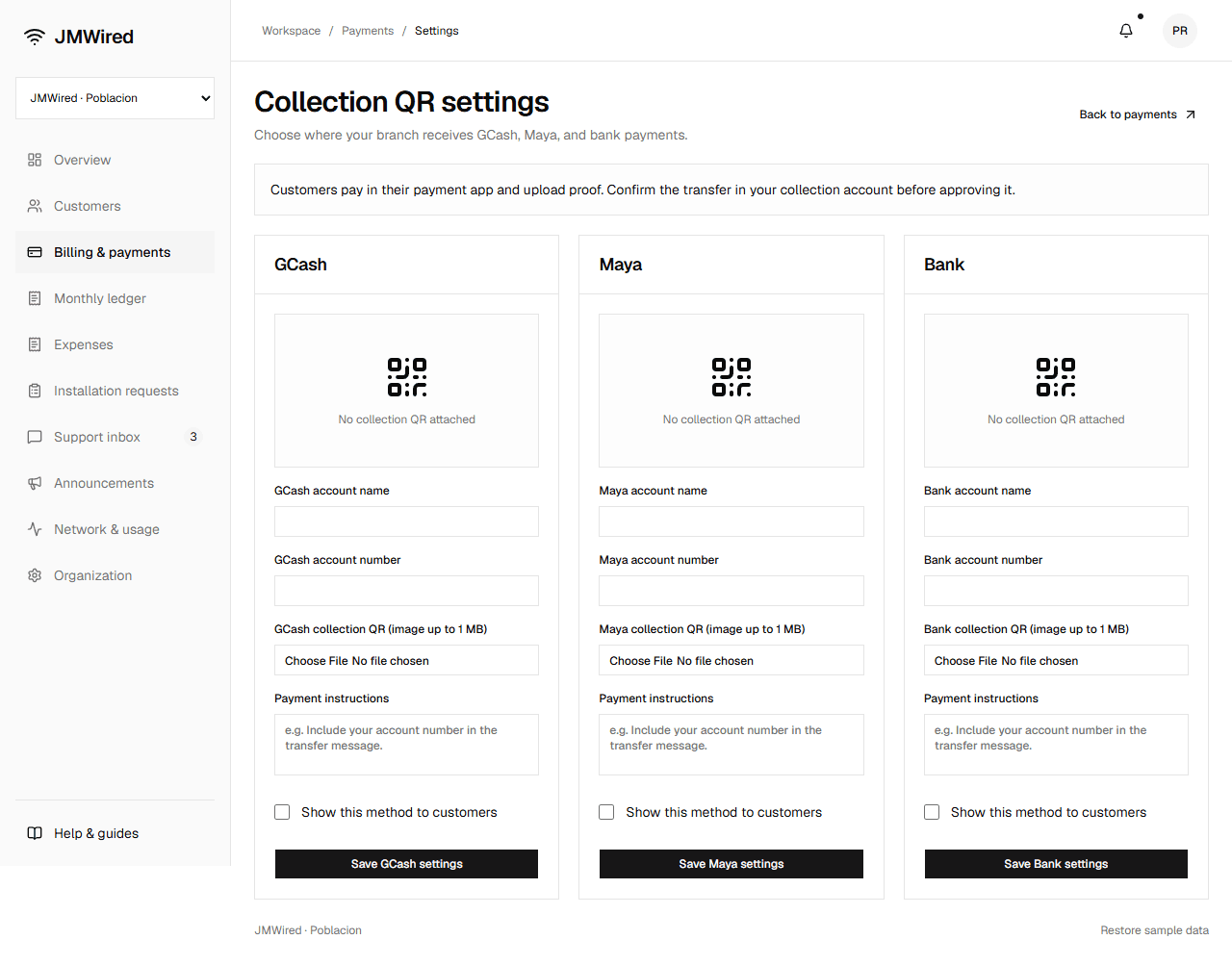
Each payment method has its own Save button. This example shows the branch before QR images are attached.
- Open Billing & payments → Collection QR settings.
- Enter the account name and number for GCash, Maya, or Bank.
- Attach the verified collection QR image (PNG, JPEG, or WebP up to 1 MB).
- Add instructions, such as including a subscriber account number.
- Check Show this method to customers and select the method's Save button.
An enabled method requires a QR attachment. The customer bill displays that branch's saved destination. Uncheck and save to stop showing a destination.
Use sample images and fictional account details while exploring. The preview does not verify QR destinations or transfer money.