For branch teams
Log branch expenses
Track operating costs and receipts.
Open Expenses → Log expense. Enter title, positive amount, date, category, payee, notes, and an optional receipt. Select Save expense.
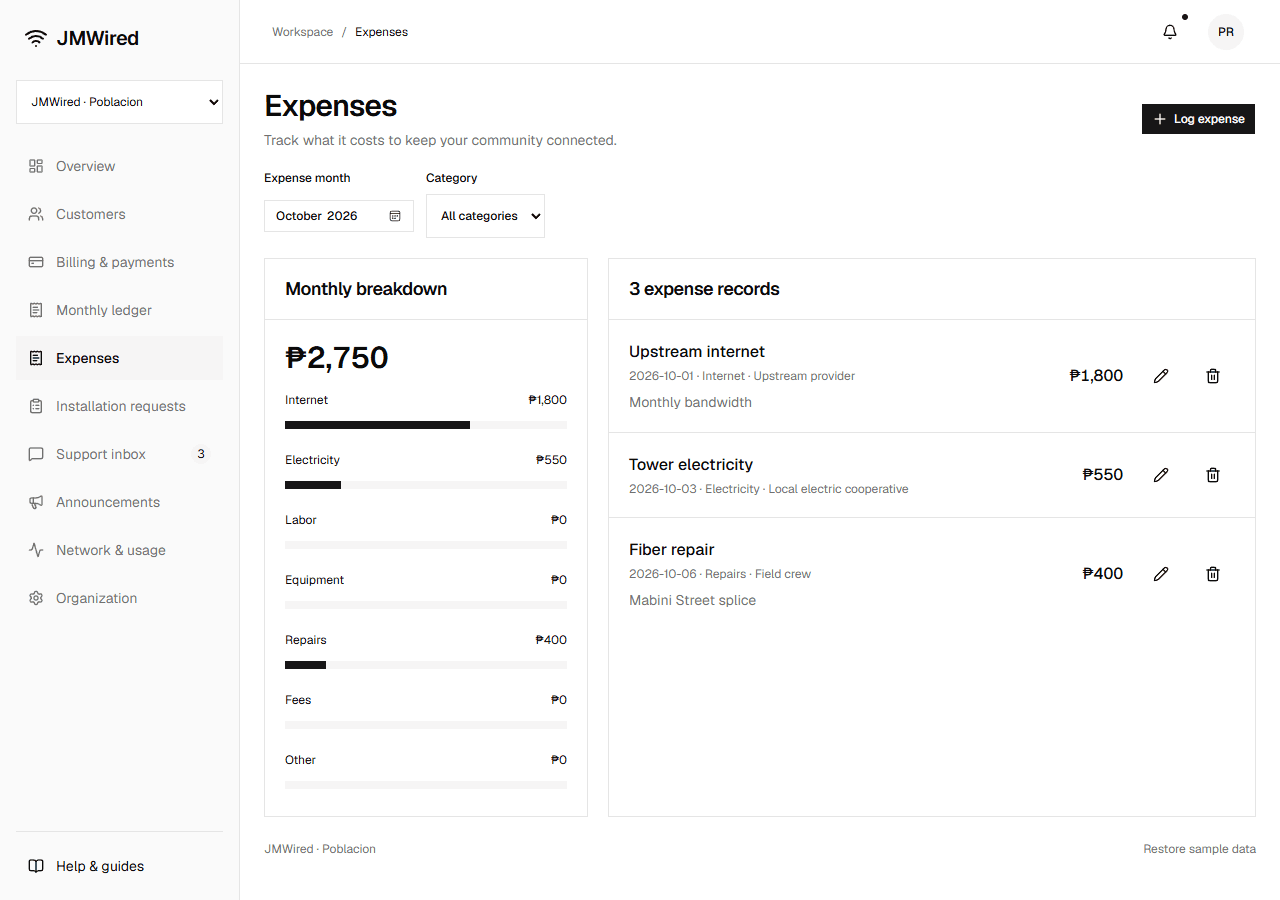
Categories are Internet, Electricity, Labor, Equipment, Repairs, Fees, and Other. The monthly breakdown updates the ledger's expense total and net profit.
Filter by month and category. Use the edit button to correct a record or View receipt to inspect the attachment. Deletion requires confirmation and removes the cost from monthly totals.
Receipts support PNG, JPEG, or WebP up to 1 MB.