For branch teams
Review installation requests
Turn an application into a subscriber record.
Share Installation requests → Open application form with households who want service. It collects name, phone, optional email, address, preferred plan, notes, and consent to be contacted.
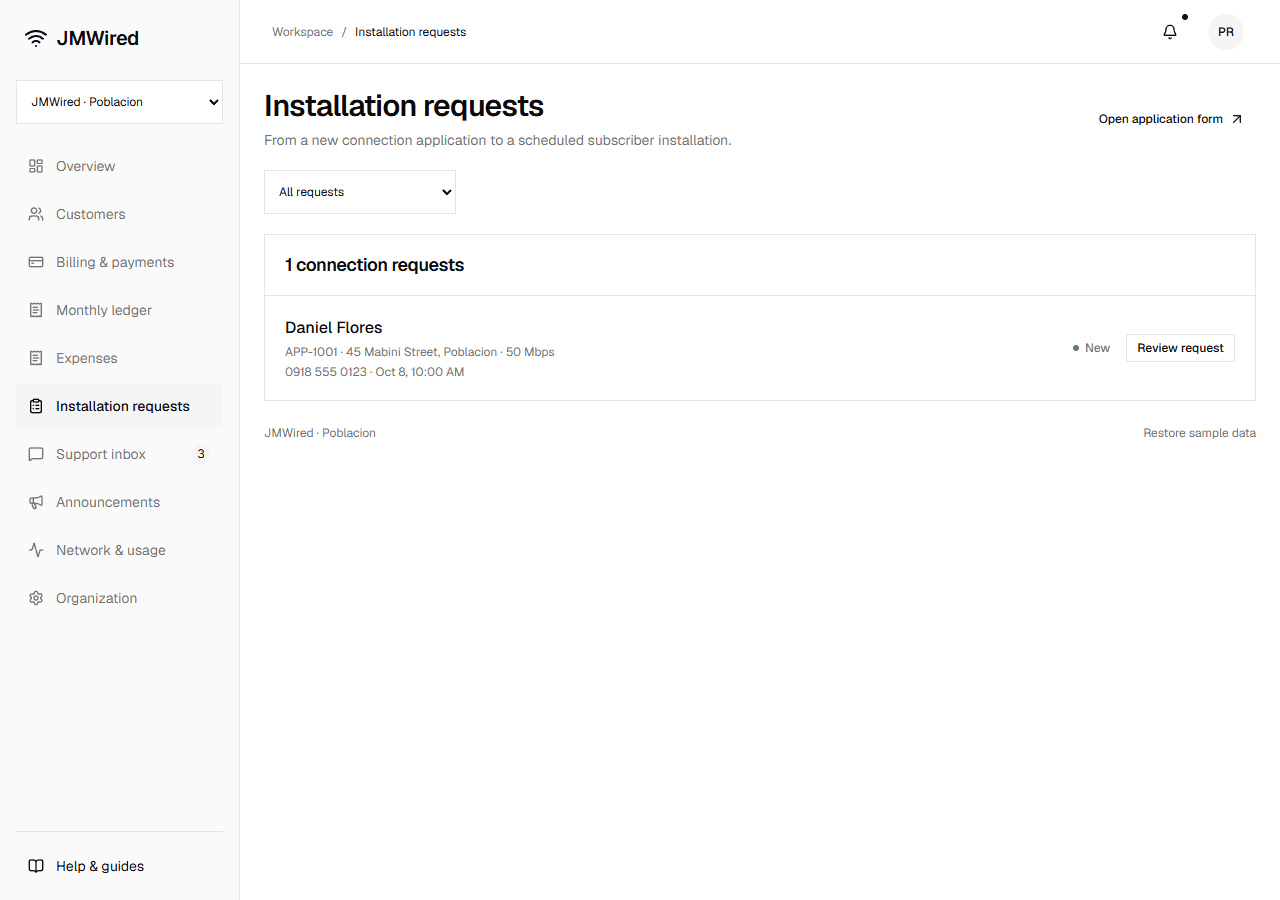
- Open a new request with Review request.
- Check coverage and contact the applicant.
- Mark contacted, Decline, or Approve & create subscriber.
- Approval creates one Pending installation subscriber.
- View subscriber to add installation notes and update the connection when work is complete.
Request states are New, Contacted, Approved, and Declined. Platform maintenance and registration controls can pause the public application form.