Organization and team settings
Maintain branch details and staff roles.
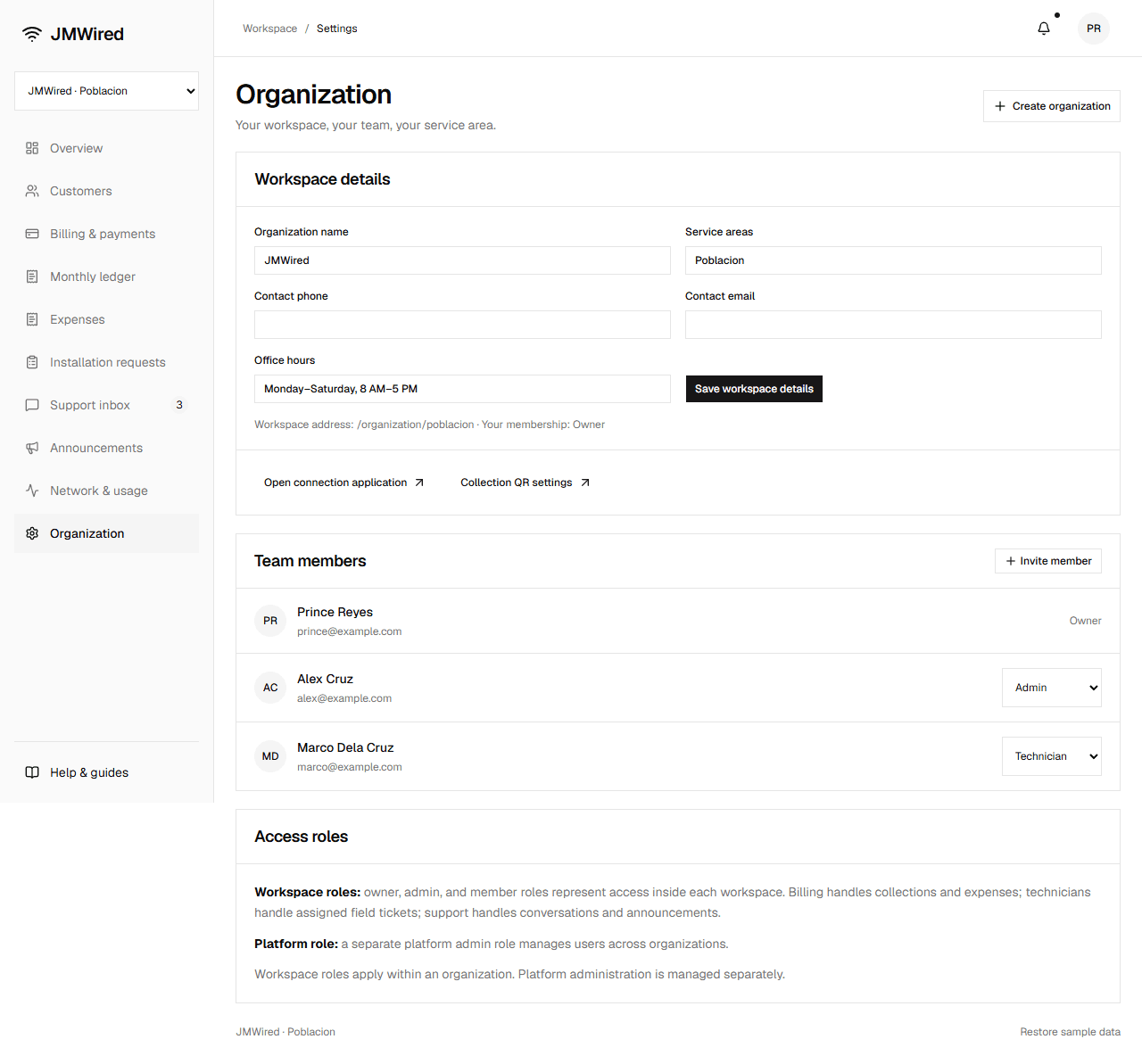
Open Organization, edit branch name, service areas, contact phone/email, and office hours, then Save workspace details. Its workspace address stays stable.
Another branch
Select Create organization. Enter business name, location, and a unique lowercase address with letters, numbers, and hyphens. You become its owner. Subscribers, payments, expenses, requests, and updates start separately from existing branches.
Team membership
Invite member asks for name, email, and role. Invitations appear pending; live email delivery is awaiting setup. Non-owner roles can be changed in the team list.
| Role | Intended work |
|---|---|
| Owner | Branch profile, team, and all operations |
| Admin | Day-to-day branch management |
| Billing | Collections, ledger, and expenses |
| Technician | Assigned field tickets and repairs |
| Support | Conversations and service updates |
| Member | General branch membership |
These represent planned organization permissions. The preview does not enforce access. Platform admin is a separate global role.
Network and usage
Network & usage displays saved subscriber readings and status. Check connection shows router setup status. Read the reporting guide to understand what these figures mean and which connections are still awaiting setup.