For customers
Your customer portal
Your connection, bills, support, and local updates.
Start at Customer overview. Check the name, account number, and service area shown. The overview brings together your plan, connection status, current bill, usage, service notices, and open requests.
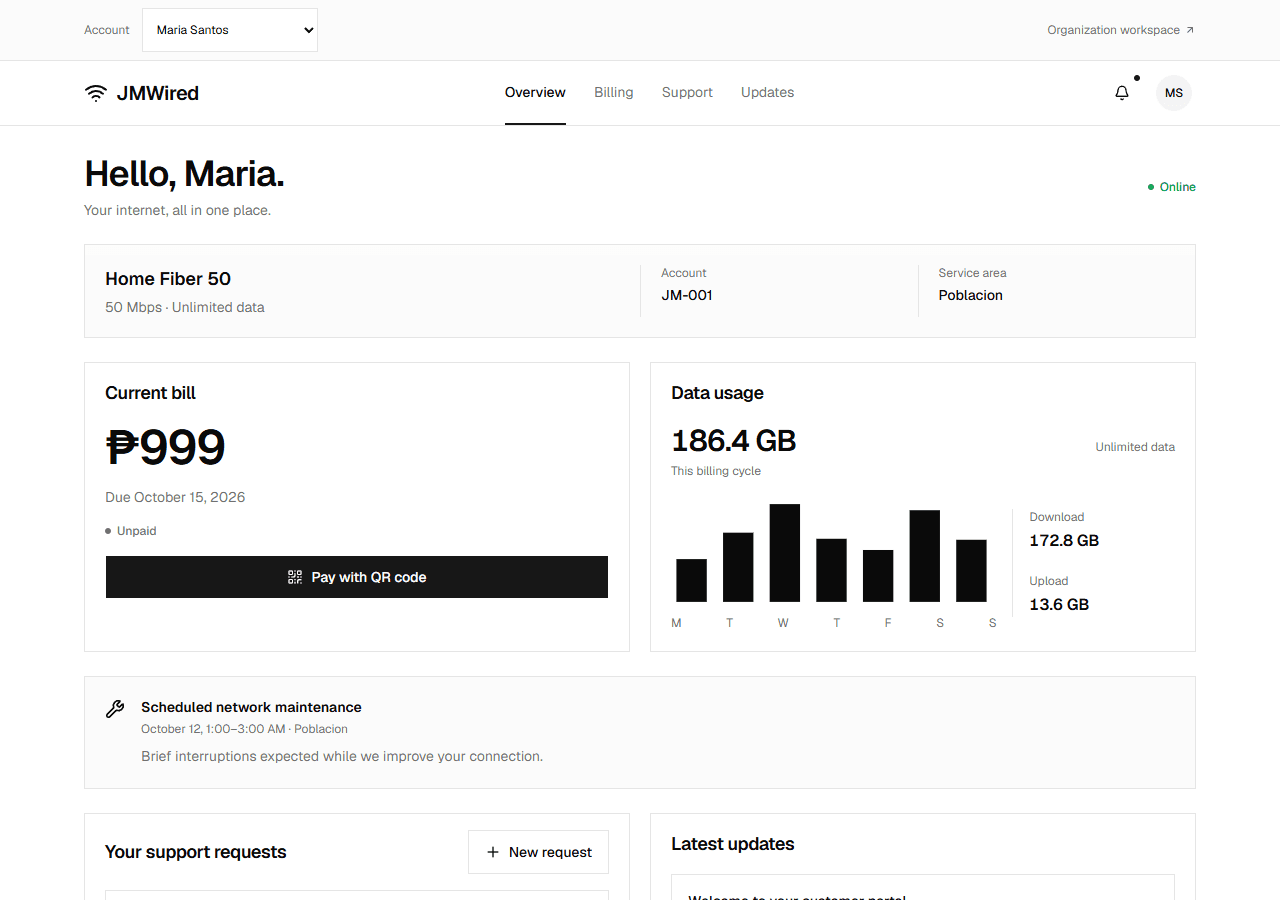
Example account: the bill and usage appear together on Overview.
Use Billing, Support, and Updates in the header, or the bottom navigation on a phone. Select the account avatar for account and notification settings.
| If you need to… | Open… |
|---|---|
| Check your amount due or payment result | Billing |
| Ask about a connection or account problem | Support |
| Read maintenance and outage notices | Updates |
| Change reminder preferences | Your avatar → Notification preferences |
If you have not activated your account, ask your provider for an activation code and follow Account access. Staff can also manage your subscription without portal registration.