System and AI controls
Manage availability and preview AI setup.
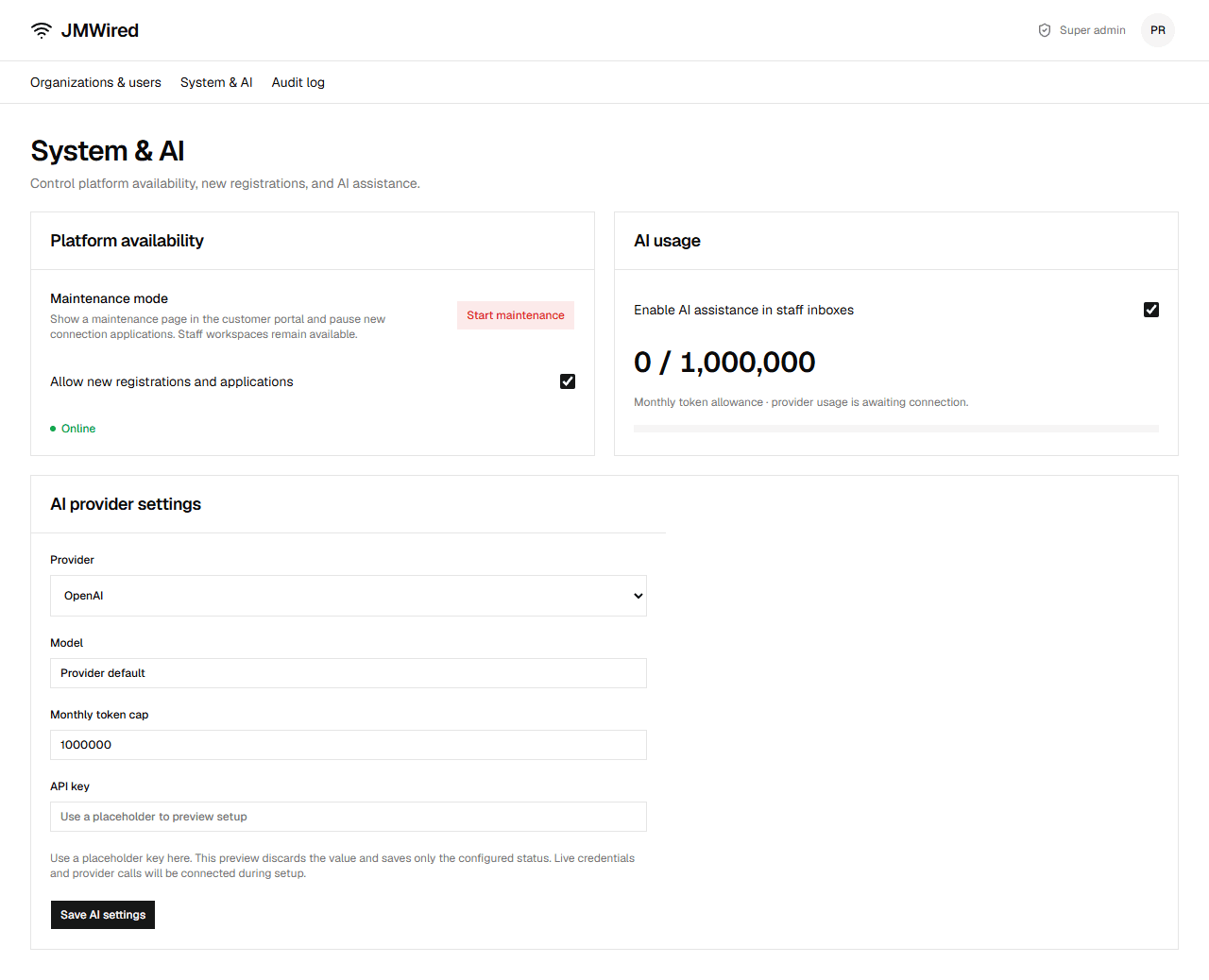
Maintenance
Start maintenance requires confirmation. It shows a customer maintenance page and pauses new connection applications. Staff and super-admin workspaces remain open. End maintenance restores the portal.
Registration
Uncheck Allow new registrations and applications to pause operator sign-up and public branch requests. Existing workspaces remain available.
AI setup
Toggle Enable AI assistance in staff inboxes to show or hide summary and suggestion tools. Choose provider, model, and monthly token cap, then Save AI settings. Usage stays zero until provider reporting is connected.
Use a placeholder API key. Only a configured status is saved; the key value is discarded. Real credentials, requests, and usage enforcement remain setup work.
Platform changes are recorded in the audit log.